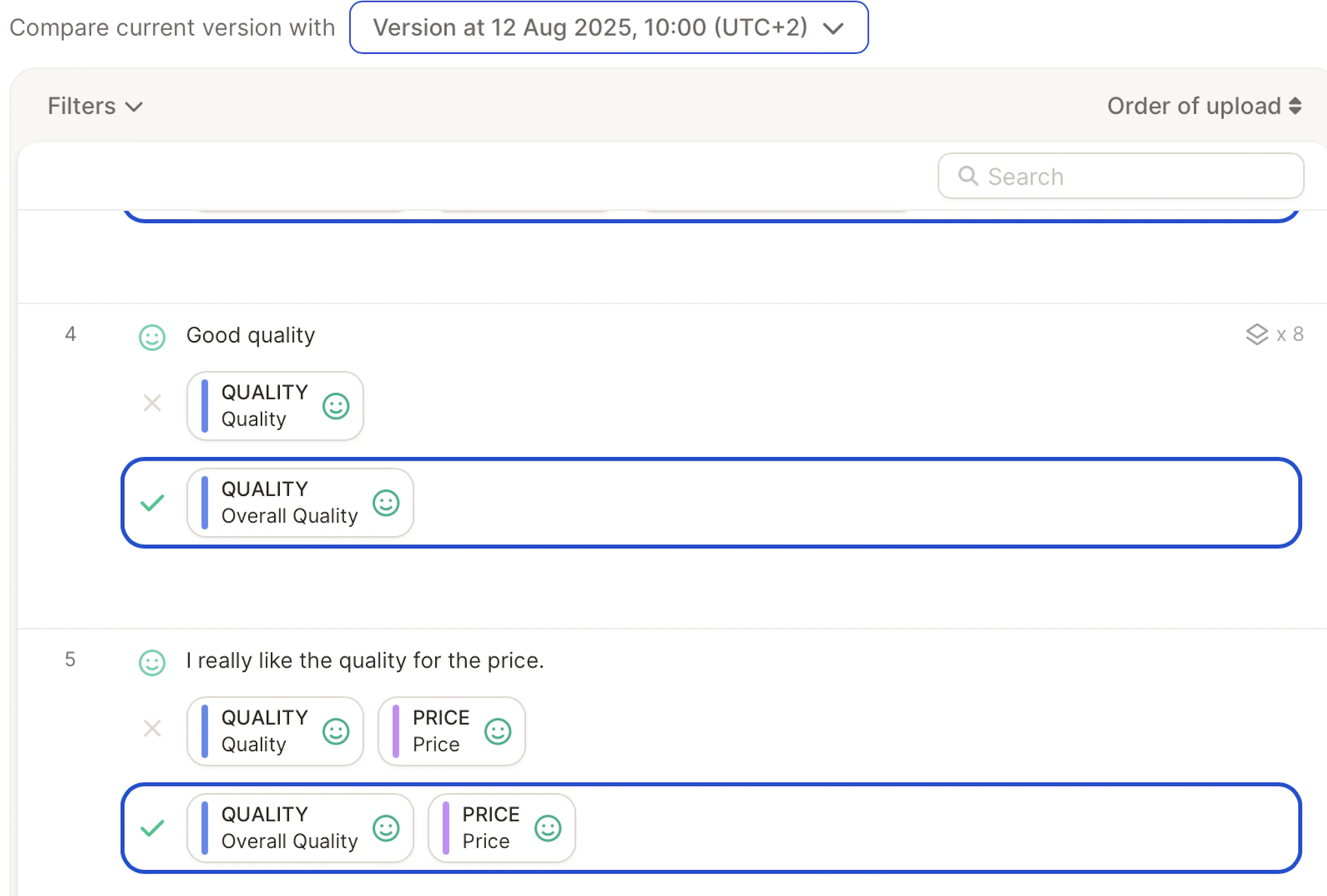
Caplena now gives you the ability to jump back to any previous state of your topic assignment and topic collection, perfect for undoing changes or comparing versions after running a new AI analysis.Documentation Index
Fetch the complete documentation index at: https://docs.caplena.com/llms.txt
Use this file to discover all available pages before exploring further.
What is Topic Assignment History?
It’s a feature that lets you restore your project to any point in time from the past 60 days. You can:- Revert accidental changes
- Compare results before/after an AI run
- Restore a specific version of your topic collection
Where to Find It
Go to your project’s Topic Assignment page → click on History (top-right corner)..gif?s=00c3550849e23ca4bcb4e2aa65dc7506)
- Topics created, renamed, or deleted
- AI reassignments
- Manual edits
Jump to a Version
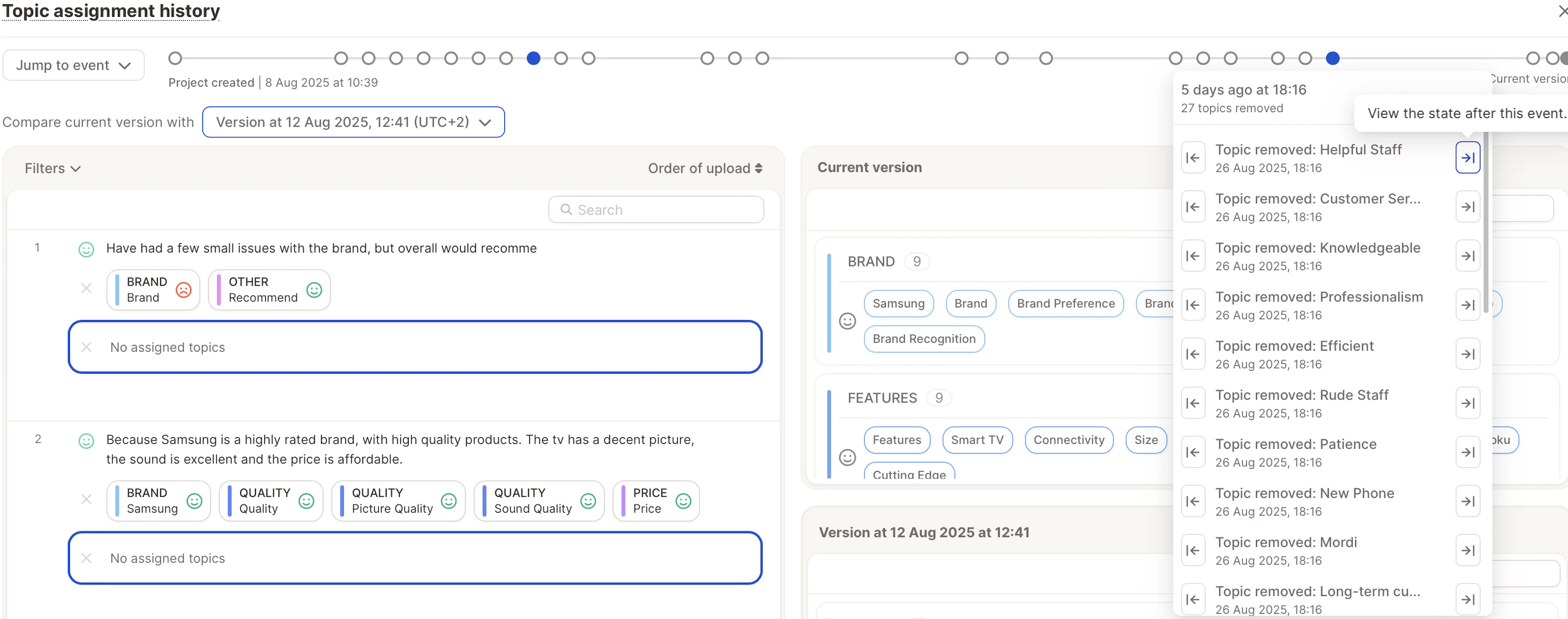
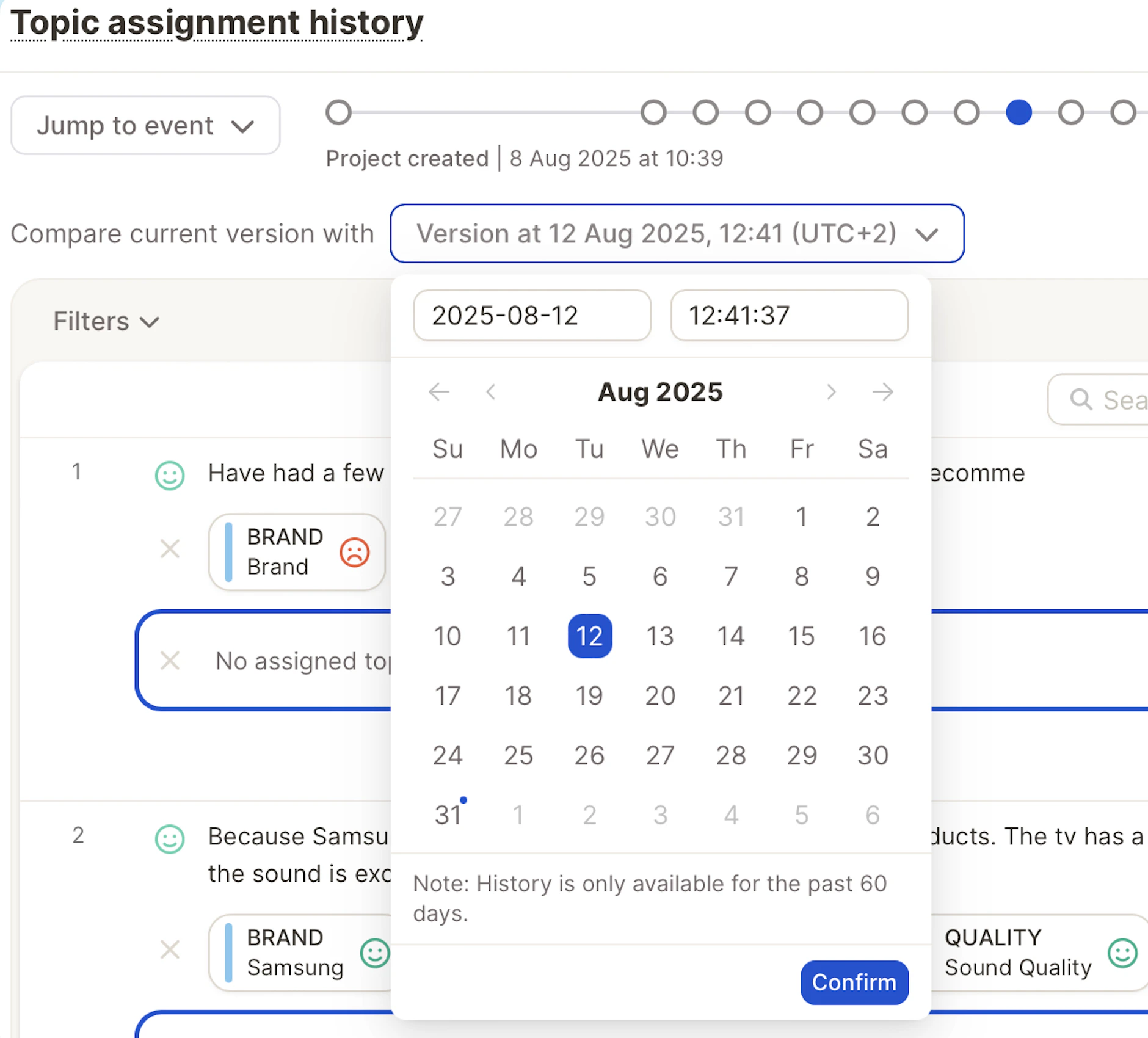
You have two ways to go back in time: From the Event Log: Select any listed event and choose:- Just before the event, or
- Just after the event
Preview Before You Restore
Before confirming, you’ll see a preview:- What topics existed then vs. now
- How assignments looked at that point
- Any renames or deletions highlighted