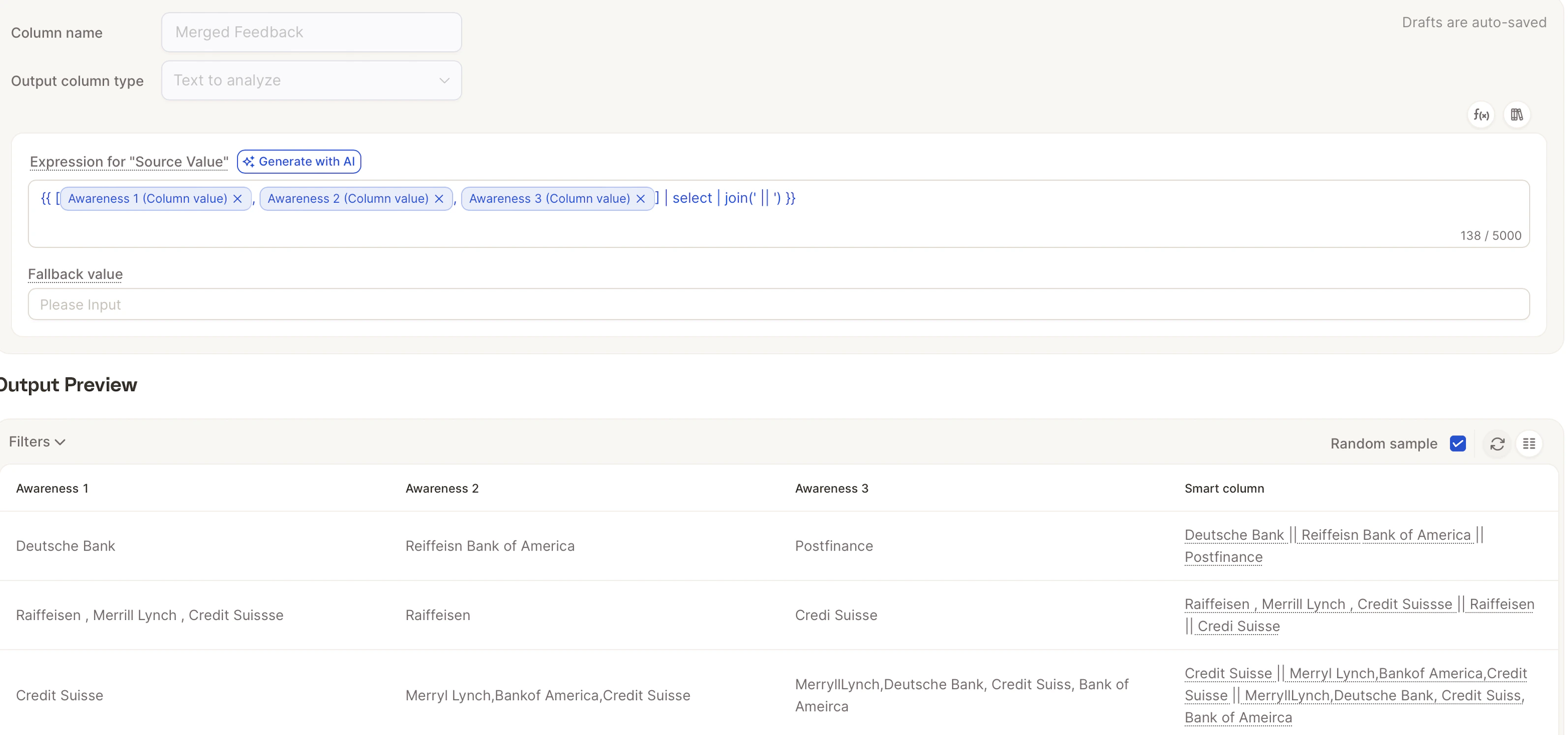
Sometimes your open-ended feedback ends up spread across several different text columns, for example Likes, Dislikes, Improvements, or Additional comments.Documentation Index
Fetch the complete documentation index at: https://docs.caplena.com/llms.txt
Use this file to discover all available pages before exploring further.
If you want a clearer, stronger picture of what your customers are saying, it often makes sense to bring these fields together and analyze them as one. With Smart Columns in Caplena, you can merge any text fields in just a few clicks and run a single, unified AI analysis. No Excel formulas, no manual work, just clean, streamlined insights.
Tip to Save Credits:To merge efficiently:
- Import the original columns as Text
- Create one Smart Column as Text-to-analyze (TTA)
Step 1: Create a New Smart Column
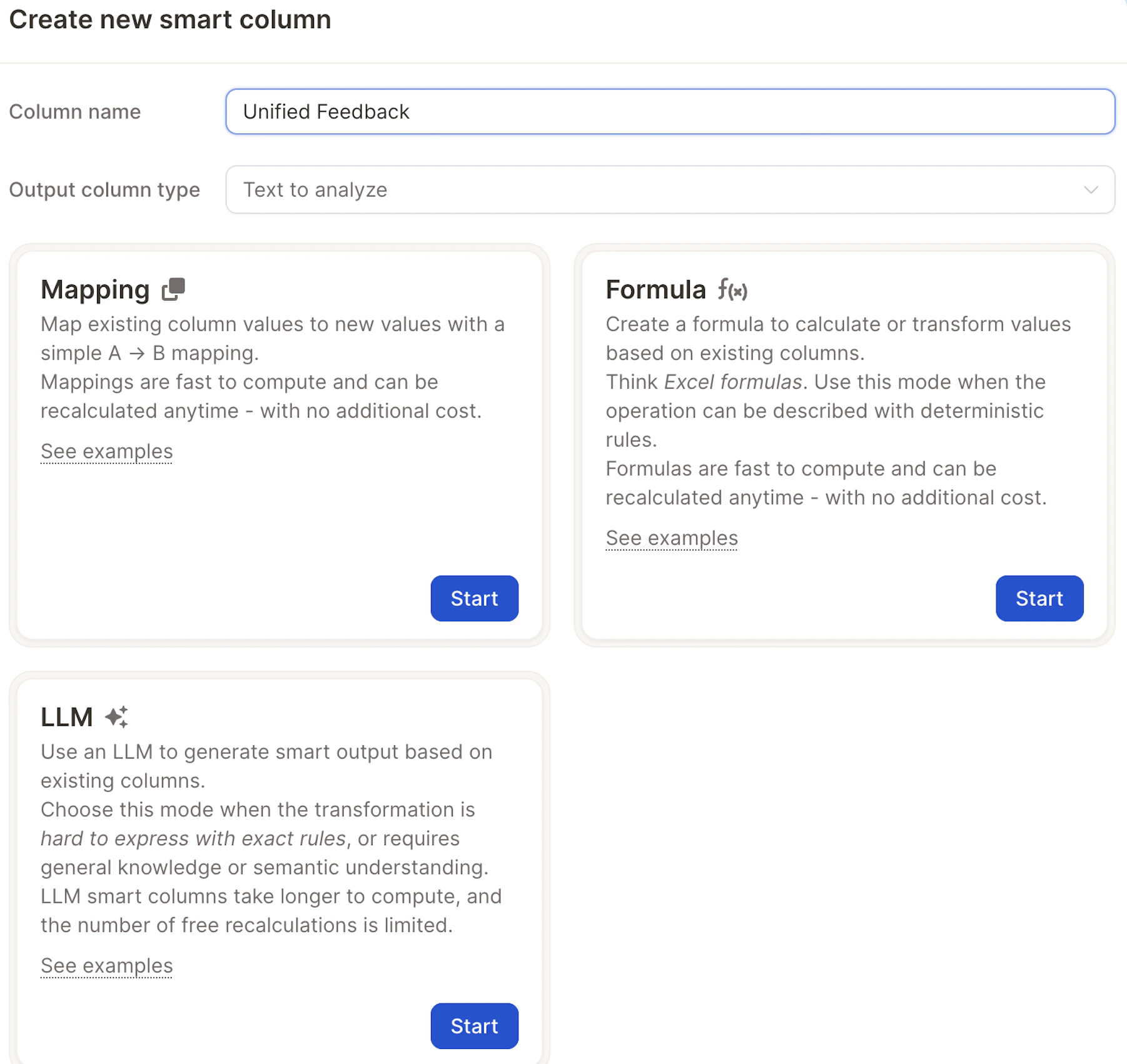
Step 2: Select Formula Mode
\
Step 3: Pick the Columns You Want to Combine Choose any text fields you want to analyze together, such as: This is especially useful when your survey includes multiple comment fields that touch on the same topic (e.g., satisfaction, experience, feature requests), and you want to understand the full picture without jumping between columns.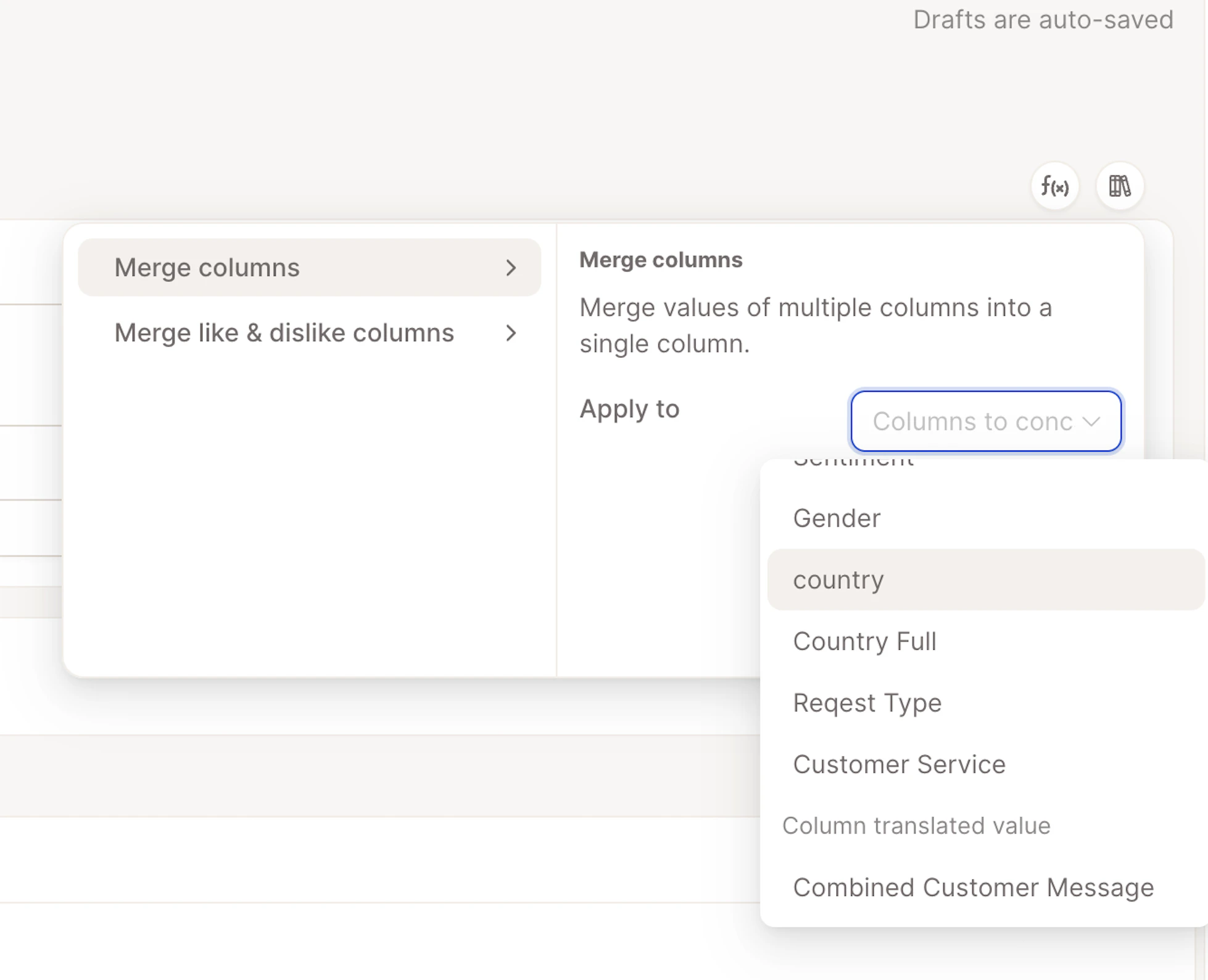
Step 4: Preview & Create
Caplena will instantly populate your new combined column for all rows.