

If you are using weighting to balance your sample, you can apply a weight variable directly in Caplena’s reporting. Once applied, all results displayed in the report will automatically reflect the specified weighting.Documentation Index
Fetch the complete documentation index at: https://docs.caplena.com/llms.txt
Use this file to discover all available pages before exploring further.
Applying weights to a report
You can apply weights during the report creation process via Advanced settings.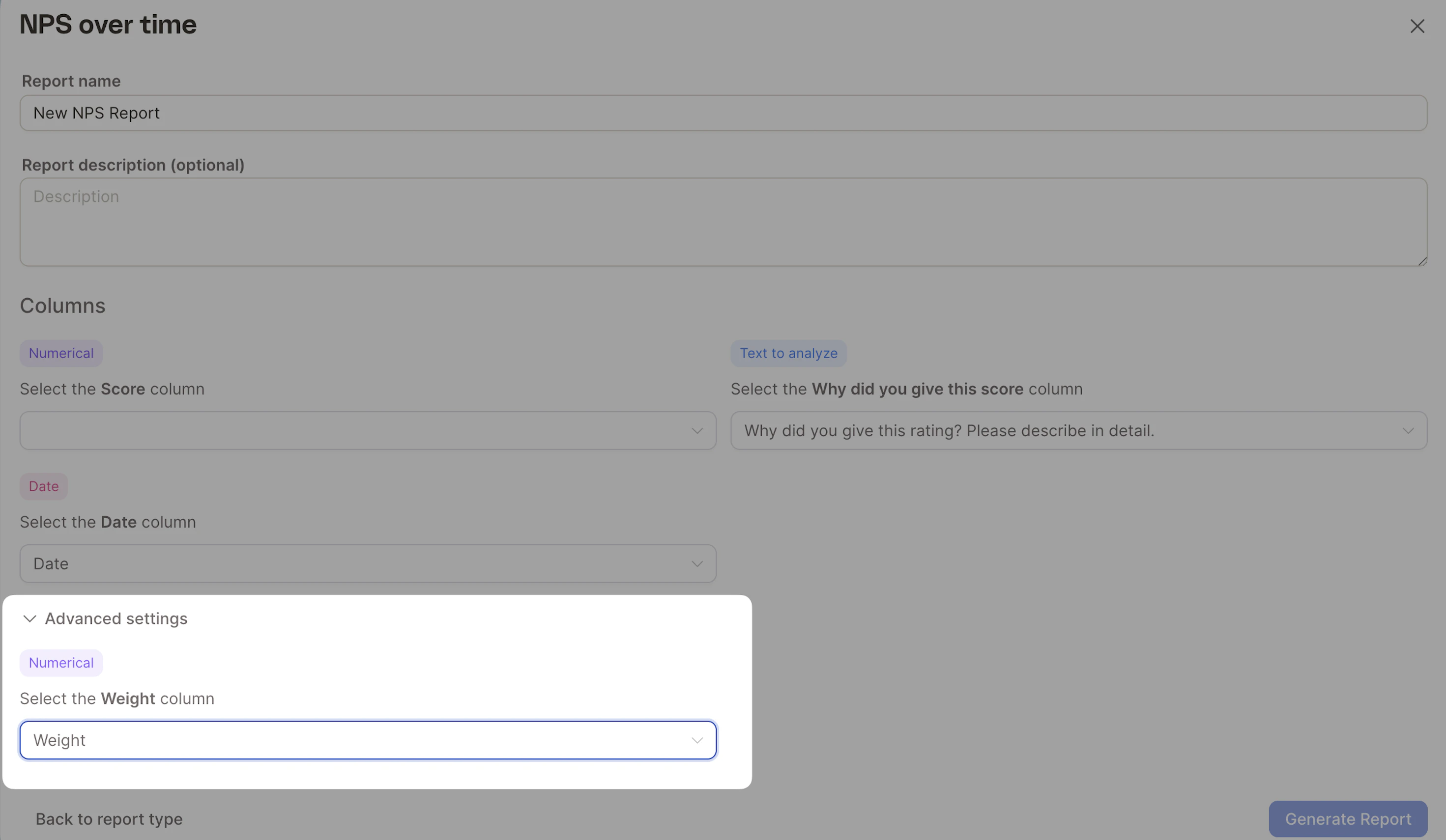
After the report is created, Caplena automatically incorporates the chosen weights into all displayed metrics and shows a confirmation banner at the top of the report.
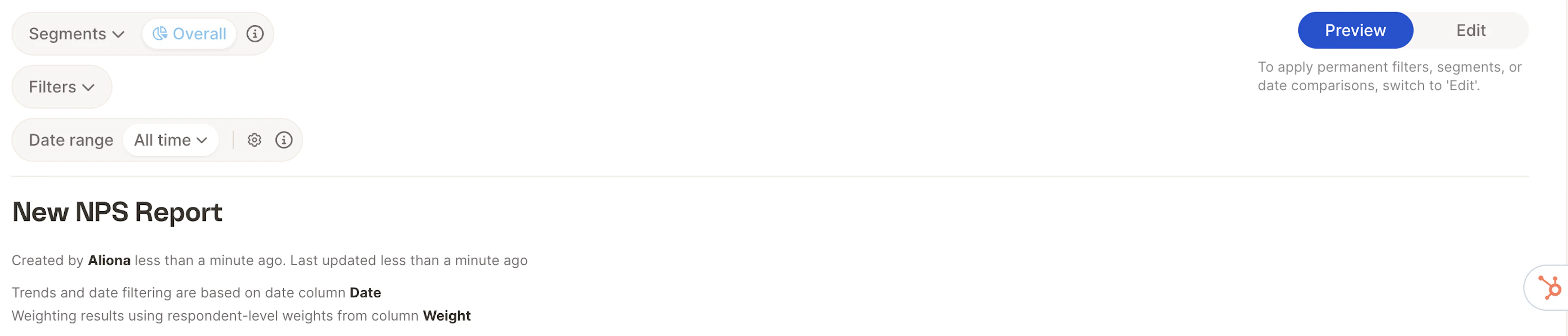
Once a report is created, the weight column cannot be added or changed. If you need a version without weights, create a new report using the same setup but leave the weight column unselected.
The weight variable must be numerical
Caplena requires the weight column to be numerical. When importing your data, make sure the column is set as a numerical type — this happens automatically if it contains only numerical values.Additional weighting-related features and improvements may be introduced in future updates.